What it brings to your desk
Who it suits
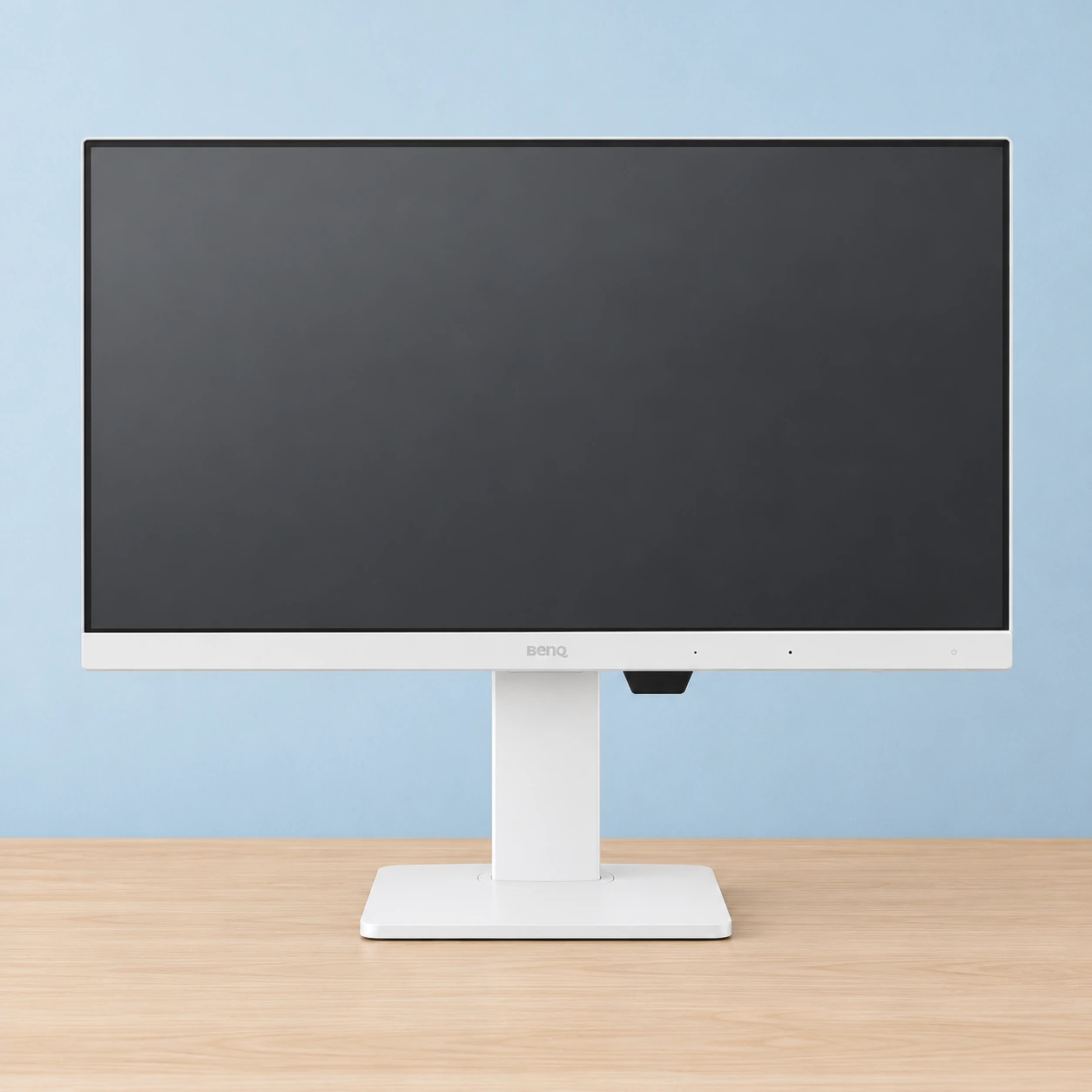
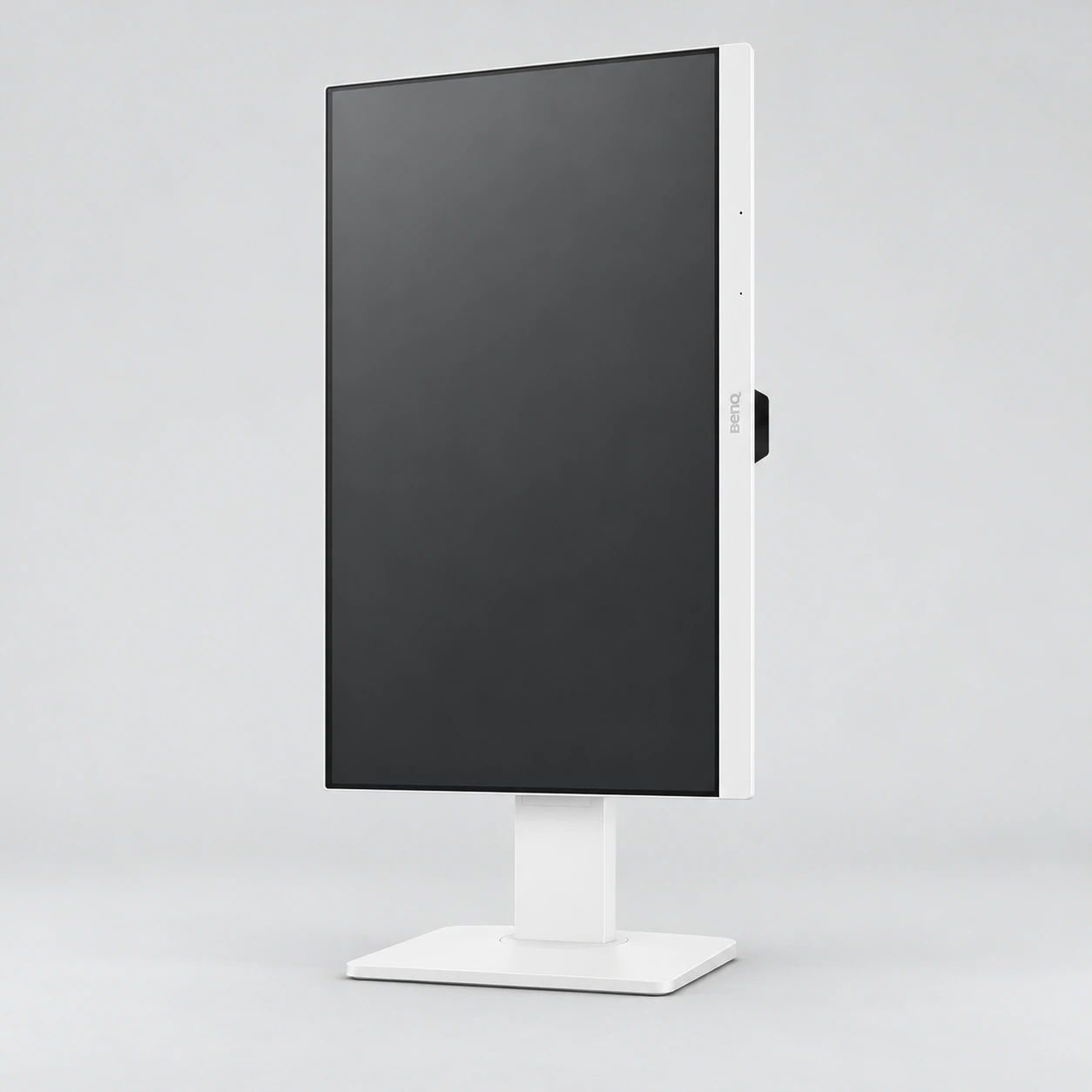
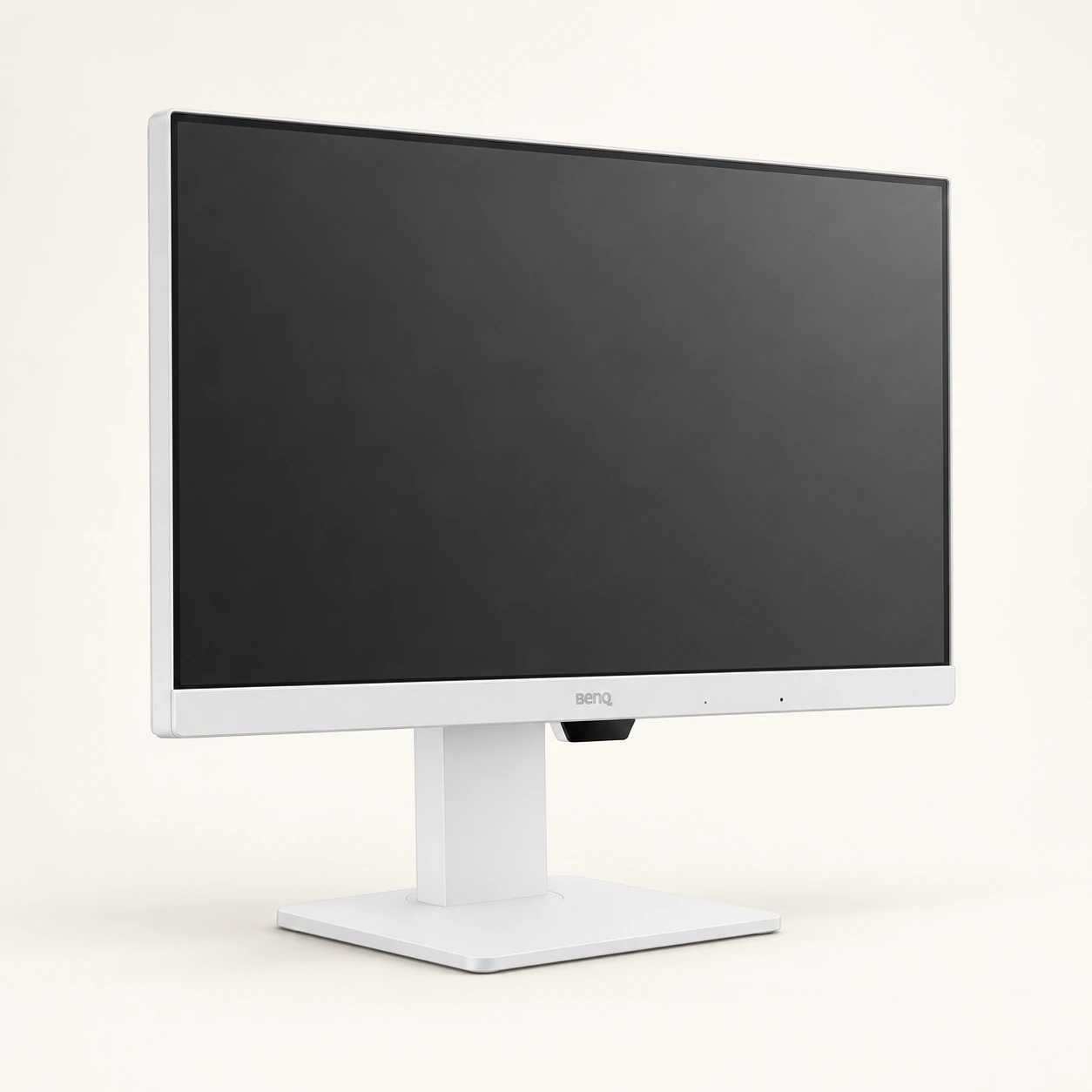
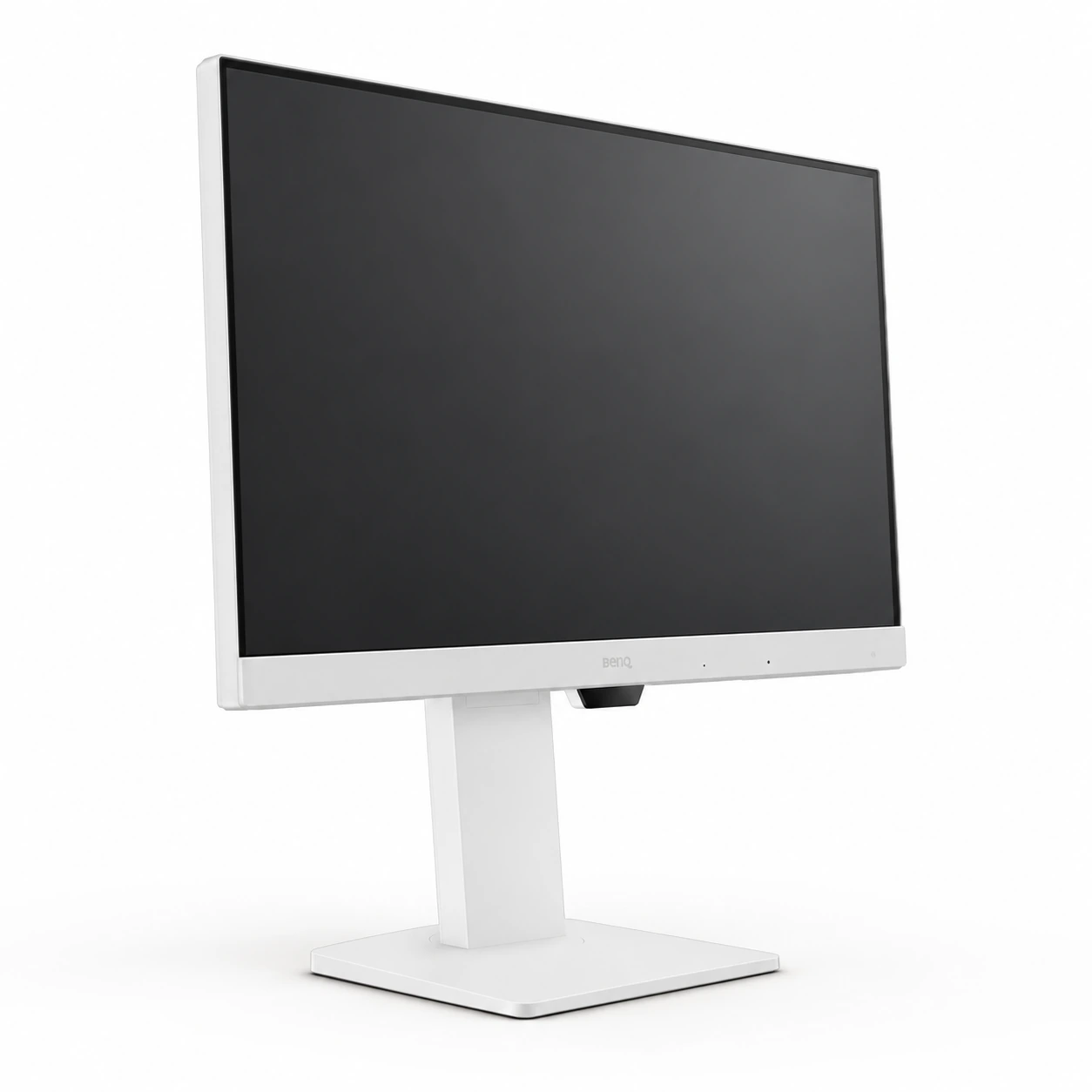
The 23.8-inch IPS panel, Full HD resolution and 100 Hz refresh rate suit documents, classes, coding and video calls, especially when you want height adjustment or portrait orientation without a separate arm. BenQ specifies 99% sRGB, 250 nits and 5 ms GtG. At a compatible system setting, 100 Hz can provide smoother scrolling than 60 Hz; this is not our own gaming response test. Coding Mode is an image preset, not a tool that writes code or guarantees productivity.
Its limits
1920 × 1080 provides less working space and detail than QHD or 4K. Consider the stated 250-nit brightness in relation to room lighting. We do not recommend it for HDR brightness, professional calibration or competitive gaming. Eye-Care, B.I. Gen2, Low Blue Light Plus and Flicker-Free are manufacturer image features, not proof of medical benefit or a substitute for breaks and comfortable settings. No integrated webcam appears in the reviewed specifications; use a laptop camera or a separate one.
USB-C and microphone requirements
Your computer’s USB-C port must support DisplayPort Alt Mode for video, and the cable must carry video and data. The noise-cancelling microphone only works through USB-C connected to an external computer; HDMI alone does not activate it. Select the monitor microphone in your call application. Built-in speakers provide 2 W each. Inputs include HDMI 1.4, DisplayPort 1.2 and USB-C, with two 5 Gbps USB-A ports. A USB hub is not a KVM switch for two computers.
Two displays and compatibility
BenQ US specifies up to 65 W Power Delivery for the GW2486TC. Amazon’s selected style and description state 60 W. A separate hardware revision has not been confirmed; we treat this as a listing discrepancy. If your laptop depends on the exact wattage, confirm the supplied unit with the seller; we do not guarantee 65 W for this specific offer. A laptop requiring more power may need its original charger even when USB-C supplies video.
DisplayPort output uses MST to link another screen. BenQ warns that Macs do not support this MST chain for extended desktops and points to compatible Thunderbolt solutions for those configurations. That does not make this a Thunderbolt monitor. Verify your computer, operating system and settings support MST; two extended screens at 100 Hz are not guaranteed for every combination.
Price and responsible purchasing
The observed offer is new, ASIN B0D2RT21YQ, sold by BenQ INFTY Lab and shipped by Amazon in a US delivery context. Recheck those details at checkout because they can change. Include taxes, shipping, potential imports and regional warranty in total cost. Delivery to the Dominican Republic has not been verified. A crossed-out list price does not establish historical savings. Fixed prices, Visa financing and optional protection plans are not presented as product features.
Compare models in the BenQ series
Manufacturer specifications guide the choice; this is not a current-price comparison or a hands-on test. GW2486TC pairs compact dimensions with 100 Hz. GW2786TC offers a larger screen with the same Full HD resolution.
| Model | Screen and refresh rate | USB-C according to BenQ | Practical choice |
|---|---|---|---|
| GW2486TC | 23.8″ · Full HD · 100 Hz | Up to65 W; Amazon states60 W | Compact desk, hub and stand adjustments |
| GW2485TC | 23.8″ · Full HD · 75 Hz | Up to60 W | Earlier alternative; compare ports and total cost |
| GW2786TC | 27″ · Full HD · 100 Hz | Up to65 W | Larger physical size, same resolution |